The Seasonal Marketing Challenge
Every year, the same story repeats: major shopping holidays approach, and marketing teams scramble to create seasonal campaigns. The traditional timeline looks something like this:
- 8-12 weeks out: Brief creative agency
- 6-8 weeks out: Receive initial concepts
- 4-6 weeks out: Revision rounds
- 2-4 weeks out: Final approval and asset delivery
- 1-2 weeks out: Campaign setup and testing
- Launch day: Hope everything works
This timeline is exhausting, expensive, and often results in mediocre creative that had to be approved simply because time ran out.
There's a better way.
The AI-Powered Approach
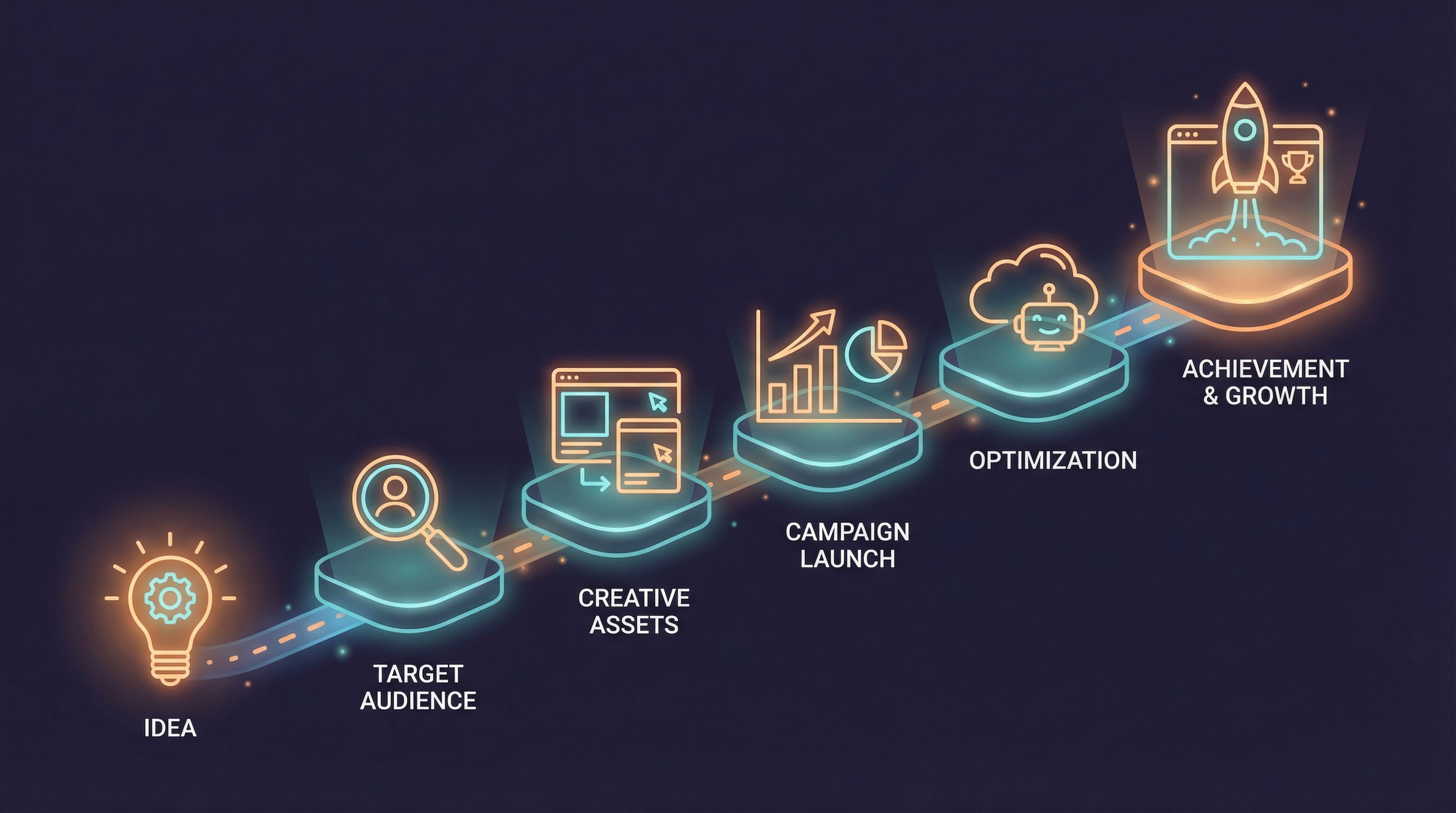
With AI-powered design tools, the seasonal campaign timeline collapses:
- 1-2 days out: Generate seasonal variations of proven creative
- Same day: Test and approve top performers
- Hours later: Launch with confidence
This isn't theoretical—it's how leading brands now operate. Let's break down how to execute this for every major shopping holiday.
Black Friday / Cyber Monday
The biggest shopping weekend of the year demands your best creative.
Strategy
- Start date: Launch initial creative Thursday evening
- Peak emphasis: Friday 6am-10am, Monday 10am-2pm
- Message focus: Urgency, savings percentages, limited time
Creative Approach
Theme: Bold contrasts, urgent messaging Colors: Black + accent (gold, red, or your brand color) Typography: Large percentage numbers, countdown elements Animation: Flashing deals, sliding price drops
Quick Variations to Generate
- Percentage-focused ("Up to 70% Off")
- Dollar-focused ("Save $500")
- Product-focused (hero product + discount)
- Urgency-focused ("Ends Tonight")
- Free shipping angle ("Free Shipping on Everything")
Generate all five variations, run them simultaneously, let the data pick winners.
Christmas / Holiday Season
The extended holiday shopping period allows for more nuanced strategy.
Timeline Strategy
- Early December: Gift guide focus, planning messaging
- Mid-December: Urgency ramps up, shipping deadlines
- Week before: Last-minute shoppers, gift cards, experiences
- Post-Christmas: Returns, gift card redemption, self-purchase
Creative Approach
Theme: Warm, festive, emotionally resonant Colors: Traditional (red/green/gold) or modern (navy/silver/white) Typography: Elegant scripts for headers, clean sans for body Animation: Subtle sparkle, gentle snow, warm glow effects
Messaging Progression
- Week 1-2: "Find the perfect gift"
- Week 3: "Order by [date] for delivery"
- Week 4: "Last-minute saves the day"
- Post-holiday: "Treat yourself"
Valentine's Day
A short window demanding precise timing.
Strategy
- Start date: February 1st (capture planners)
- Peak: February 12-14 (last-minute purchasers)
- Don't forget: February 15 (self-love angle, clearance)
Creative Approach
Theme: Romance without cliché, modern love Colors: Pinks and reds, but also unexpected palettes (black/gold for luxury) Typography: Mix of script and modern Animation: Floating hearts (subtle!), reveal effects
Audience Segmentation
- Romantic partners (traditional messaging)
- Galentine's (friend celebration)
- Self-love (treat yourself)
- Pet parents (yes, this is huge)
Back to School
Often overlooked but massive for certain categories.
Timeline Strategy
- Late July: Early planners, college students
- Early August: Peak elementary/secondary
- Late August: Last-minute rush, forgotten items
- September: Extended back-to-school for some categories
Creative Approach
Theme: Fresh starts, organization, preparation Colors: Bright, energetic (avoid looking too childish for older students) Typography: Clean, educational feel Animation: Checklist effects, transformation reveals
Key Messages
- Value bundles ("Everything they need")
- Trend-focused ("What's cool this year")
- Parent-focused ("Make mornings easier")
- Student-focused ("Express yourself")
Mother's Day / Father's Day
Gift-giving holidays with clear timelines.
Strategy
- 3 weeks before: Gift guide, planning content
- 1-2 weeks before: Shipping deadline awareness
- Final week: Experience gifts, digital options
- Day before/of: Panic buys, same-day delivery
Creative Approach
Theme: Gratitude, celebration, personal connection Colors: Soft and warm (Mother's Day) or distinguished (Father's Day) Typography: Warm but not overly sentimental Animation: Photo frame effects, heartfelt reveals
Executing at Speed: The Playbook
Here's how to actually create seasonal campaigns in minutes:
Step 1: Prepare Your Base Creative
Keep a library of your best-performing evergreen banners. These become templates.
Step 2: Define Seasonal Variables
For each holiday, document:
- Color palette adjustments
- Key messages (3-5 options)
- Seasonal imagery elements
- Date/urgency components
Step 3: Generate Variations Rapidly
Using AI tools like AdMark Studio:
- Upload base creative
- Apply seasonal color palette
- Swap headline copy for seasonal message
- Add holiday visual elements
- Generate multiple variations
Step 4: Quick Quality Check
Review generated creative for:
- Brand consistency
- Message clarity
- Visual appeal
- Technical specifications
Step 5: Deploy and Optimize
Launch multiple variations simultaneously. Let performance data guide budget allocation.
Building Your Seasonal Creative Library
Over time, build a repository:
What to Save
- Top-performing holiday creative from each year
- Color palettes that worked
- Headlines that drove clicks
- Visual elements that resonated
What to Document
- Performance metrics by holiday
- Timing patterns that worked
- Audience responses by segment
- Lessons learned
Common Seasonal Mistakes
Starting Too Late
Even with AI speed, you need time to test and optimize.
Using Last Year's Creative Unchanged
Refresh annually. Audiences notice recycled creative.
Ignoring the Post-Holiday Window
Some of the best deals and highest intent happen after the holiday.
One Message for All Audiences
Segment your messaging. Different audiences respond to different angles.
Forgetting Mobile
Holiday shopping is mobile-first. Design accordingly.
The ROI of Speed
When you can create seasonal campaigns in minutes:
- Test more: Run 10 variations instead of 1
- React faster: Adjust to competitor moves same-day
- Extend more: Add holidays you previously skipped
- Spend smarter: Know what works before committing budget
Conclusion
Seasonal marketing doesn't have to mean seasonal stress. With AI-powered creative tools, you can produce holiday campaigns at the speed of thought—testing more ideas, reacting to market conditions, and ultimately driving better results.
The brands that win seasonal marketing aren't necessarily the ones with the biggest budgets. They're the ones that move fastest while maintaining quality.
This holiday season, be fast. Be flexible. Be festive. And let AI handle the heavy lifting.
Rachel Kim
Campaign Strategist
Rachel has managed seasonal campaigns for major retailers and now helps businesses of all sizes maximize holiday marketing ROI.